


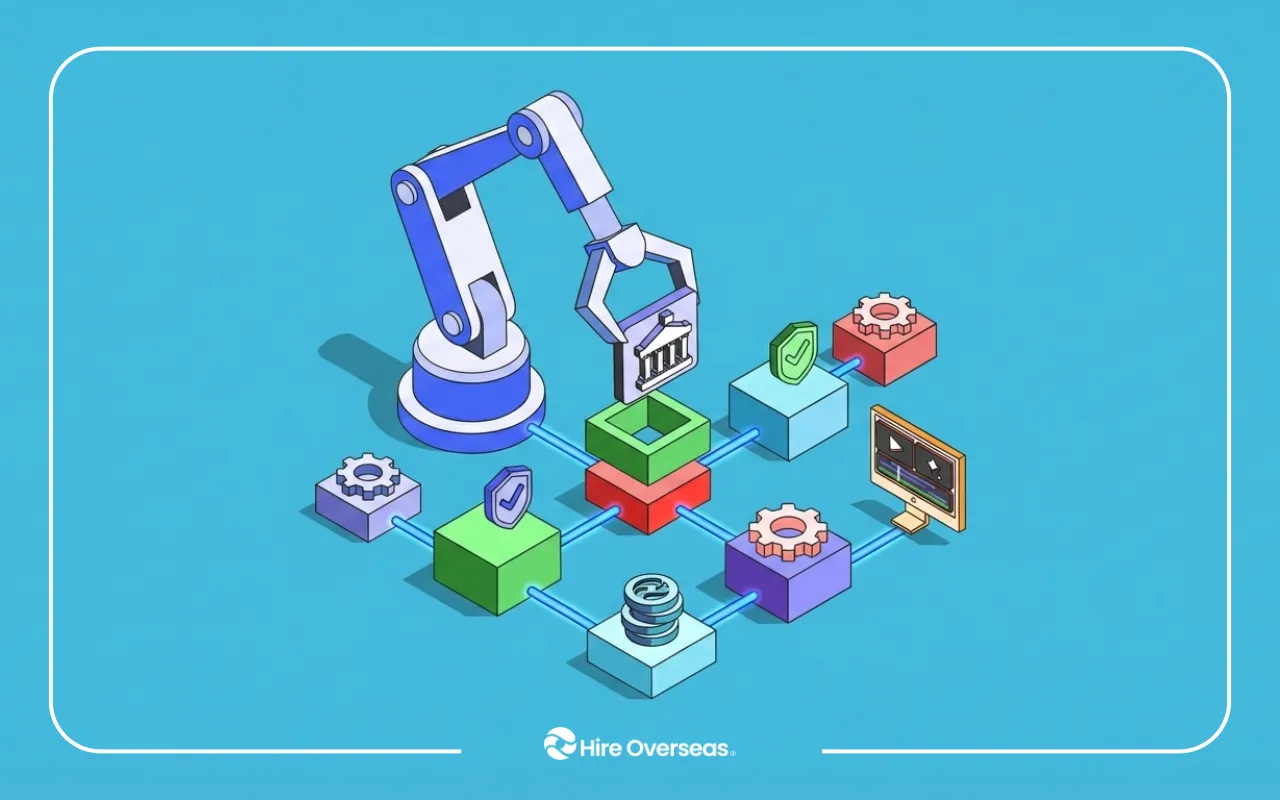
AI tools are now widely used across companies. At Hire Overseas, we are seeing a clear shift. More clients are asking about OpenClaw not as a tool, but as a way to automate real operations across their business.
Instead of stopping at insights, OpenClaw agents execute tasks. They update systems, trigger workflows, and move processes forward without manual input.
This guide breaks down the most practical OpenClaw use cases examples, based on how Hire Overseas clients are actually using it in 2026.
What OpenClaw Does and Why Businesses Are Adopting It
OpenClaw is an AI agent framework designed to execute workflows across multiple systems.
Unlike traditional automation tools, it does not rely on fixed rules alone. It can plan, execute, and adjust workflows dynamically based on real-time data and changing conditions.
If you're still evaluating whether OpenClaw fits your operations, this breakdown of what OpenClaw actually does explains how it moves from AI prompts to real workflow execution across business systems.
How OpenClaw Works
OpenClaw agents operate as execution layers across your existing tools. Instead of requiring manual input at each step, they carry tasks forward automatically.
They can:
- plan multi-step workflows
- execute tasks through APIs and integrations
- evaluate outcomes after each step
- adjust actions in real time based on context
- continue operating without constant prompting
In practice, this means OpenClaw can move data, trigger actions, and coordinate processes across:
- CRM systems
- project management tools
- communication platforms like Slack or email
- internal dashboards and databases
Instead of suggesting what should happen next, the agent completes the workflow itself.
If you're planning to implement this across multiple tools, this guide to hiring an OpenClaw developer explains how to structure workflows, integrations, and execution layers correctly from day one.
Why Companies Are Moving Beyond Traditional Automation
Most businesses already use automation tools, but they still rely heavily on manual coordination between systems.
Common challenges include:
- manual workflow automation challenges that require human oversight
- repetitive coordination across multiple tools
- delayed reporting due to disconnected data
- fragmented systems that do not communicate well
These issues are not complex individually, but they compound across operations and slow down execution.
OpenClaw addresses this by acting as a continuous operator across systems.
It enables:
- automating repetitive operational tasks without constant supervision
- connecting fragmented business systems into unified workflows
- streamlining internal business workflows so processes move without manual intervention
This shift allows teams to spend less time managing processes and more time focusing on decisions and growth.
For teams moving beyond Zapier-style automation, this comparison of remote OpenClaw developers shows how companies are building dedicated execution infrastructure instead of relying on fragmented tools.
How Hire Overseas Clients Are Using OpenClaw in Real Operations
Across Hire Overseas clients, OpenClaw is being deployed in specific workflows where manual coordination slows execution. These are not theoretical use cases. They are real implementations replacing repetitive operational work.
Below are common client-backed OpenClaw use cases examples we are actively seeing in 2026.
A SaaS Client Automating CRM Data Entry and Lead Capture
A SaaS client was manually logging inbound leads from multiple sources including website forms, email inquiries, and paid ad campaigns. Each lead required manual review, formatting, and entry into their CRM.
This created delays, inconsistent data, and missed follow-ups, especially during high-volume periods.
They implemented OpenClaw to standardize and automate this entire workflow.
The agent was configured to:
- capture lead data across channels in real time
- enrich and validate information such as company size or source attribution
- automatically update CRM records with structured, clean data
- trigger internal notifications for new qualified leads
Instead of relying on sales reps or admin staff to input and organize data, the system handled it instantly and consistently.
Result:
- eliminated manual data entry workflows
- improved CRM accuracy and consistency
- reduced admin workload for sales teams
- ensured faster lead response times and better pipeline visibility
This allowed the sales team to focus on engaging qualified prospects rather than managing data.
If your team is still manually updating CRM data, this guide to hiring OpenClaw developers breaks down how to implement reliable CRM automation without creating data inconsistencies.
A B2B Company Automating Sales Lead Routing and Qualification
A B2B services company was struggling with delayed lead response times due to manual lead assignment and qualification.
Leads were coming in from multiple channels, but routing them to the right sales representative required manual review. This created delays, uneven distribution, and missed opportunities.
They implemented OpenClaw to automate both lead routing and qualification.
The agent was configured to:
- analyze incoming lead data in real time
- score and qualify prospects based on predefined criteria
- assign leads to the appropriate sales representative based on territory, availability, or specialization
- trigger instant notifications to ensure immediate follow-up
Instead of relying on manual sorting, the system ensured every lead was processed and assigned within seconds.
Result:
- automating sales lead routing
- automating lead qualification processes
- significantly faster response times
- improved conversion rates due to timely engagement
This removed bottlenecks at the top of the funnel and ensured high-value leads were prioritized without delay.
A Startup Automating Sales Pipeline Workflow and CRM Updates
A fast-growing startup struggled with inconsistent CRM updates and poor visibility across their sales pipeline.
Sales reps were responsible for updating deal stages, logging activities, and tracking follow-ups. In practice, these tasks were often delayed or skipped, leading to inaccurate pipeline data and unreliable forecasts.
They implemented OpenClaw to automate pipeline management and CRM updates.
The agent was configured to:
- update deal stages based on activity and engagement signals
- log interactions from email, calls, and meetings automatically
- trigger follow-ups and reminders when deals became inactive
- sync data across CRM and communication tools
Instead of relying on manual updates, the system maintained an accurate and real-time view of the pipeline.
Result:
- sales pipeline workflow automation
- CRM workflow orchestration automation
- improved pipeline visibility and data accuracy
- more reliable forecasting and reporting
This allowed leadership to make decisions based on real-time data while freeing sales teams from administrative overhead.
An Operations Team Automating KPI Reporting and Business Dashboards
An operations team was spending several hours each week compiling reports from different systems including CRM, marketing platforms, and internal dashboards.
The process required manually pulling data, formatting spreadsheets, and sending summaries to stakeholders. This created delays and increased the risk of reporting errors.
They implemented OpenClaw to automate their reporting workflows.
The agent was configured to:
- retrieve KPI data from multiple platforms automatically
- consolidate and structure the data into standardized formats
- generate summaries with key insights and performance highlights
- distribute reports via Slack and email on a set schedule
Instead of building reports manually, the system continuously generated and delivered them in real time.
Result:
- generating automated business reports
- real time business data processing
- reduced reporting time from hours to minutes
- improved visibility across teams and leadership
This allowed the operations team to shift focus from data collection to analysis and decision-making.
If you're trying to reduce reporting time across multiple tools, this cost breakdown of OpenClaw implementation shows what it takes to automate reporting workflows at scale without overengineering.
An eCommerce Company Automating Customer Support Workflows
An eCommerce company was handling a high volume of repetitive customer inquiries across email and chat.
Most requests involved order status, returns, and basic product questions. Support agents were spending the majority of their time answering predictable queries instead of handling complex issues.
They implemented OpenClaw to automate their support workflows.
The agent was configured to:
monitor incoming support channels in real time
classify tickets based on issue type and urgency
respond automatically to common inquiries using predefined logic
update helpdesk and CRM systems with interaction data
route complex or sensitive cases to human agents with full context
Instead of manually handling every request, the system filtered and resolved a large portion of tickets automatically.
Result:
- automating repetitive operational tasks
- reduced response times across support channels
- improved consistency in customer communication
- allowed human agents to focus on higher-value issues
This created a more efficient support operation without increasing headcount while improving overall customer experience.
An SEO Team Automating Keyword Tracking and Content Workflow Execution
An SEO team was managing keyword tracking, content updates, and performance monitoring across multiple tools.
They relied on a mix of SEO platforms, spreadsheets, and CMS updates. Tracking rankings, identifying opportunities, and updating content required constant manual coordination.
This made it difficult to stay consistent, especially as the number of target keywords and pages grew.
They implemented OpenClaw to automate their SEO workflow execution.
The agent was configured to:
- monitor keyword rankings across target pages
- detect ranking drops or opportunities for improvement
- pull data from SEO tools and analytics platforms
- generate content update recommendations based on changes
- create tasks in project management tools for content updates
- notify the team when action was required
Instead of manually checking rankings and coordinating updates, the workflow became proactive and system-driven.
Result:
- streamlining internal business workflows for SEO operations
- reducing operational process bottlenecks in content updates
- improving consistency in keyword tracking and optimization
- faster response to ranking changes and SEO opportunities
This allowed the SEO team to focus on strategy and content quality while the system handled monitoring and coordination.
When Not to Use OpenClaw: Understanding Its Limitations
Now that we understand how powerful OpenClaw is, it is also important to recognize that it is not designed to do everything.
The biggest mistake companies make is trying to apply it to tasks that require human judgment, creativity, or nuance.
OpenClaw works best with structured, repeatable workflows. It is less effective when tasks are unpredictable or require emotional intelligence.
Use OpenClaw for:
- repetitive, rule-based processes
- multi-step workflows across systems
- data handling and coordination tasks
- time-sensitive operational execution
Avoid Using OpenClaw for:
- creative strategy or content ideation
- complex decision-making with no clear logic or defined rules
- sensitive human interactions such as conflict resolution or relationship management
- tasks that depend heavily on context, judgment, or subjective interpretation
These types of work require flexibility, nuance, and human understanding. OpenClaw operates best when workflows are structured and decisions can be guided by clear inputs or rules.
The goal is not to replace people, but to remove operational friction.
When used correctly, OpenClaw handles execution, coordination, and system-level tasks so teams can focus on higher-value work such as strategy, decision-making, and creative problem-solving.
If you're unsure whether your workflows are structured enough for automation, this explanation of what OpenClaw is clarifies where it delivers the most value and where human input is still required.
Think of OpenClaw as an Operator, Not a Decision-Maker
OpenClaw performs best when it is treated as a system operator, not a strategist.
It executes defined workflows with speed and consistency, but it still depends on clear inputs, logic, and structure designed by humans.
The most effective teams use OpenClaw to handle execution layers, while people focus on direction, priorities, and judgment.
This balance is what turns automation into real operational leverage, not just another tool.
Once you've defined clear workflows, this guide to hiring an OpenClaw developer shows how to translate operational logic into production-ready automation systems that actually run without constant intervention.
Hire Overseas Final Insight: Execution Still Matters
OpenClaw is powerful, but results depend on how workflows are designed and executed.
The biggest difference we see across clients is not the tool itself, but how well the system is built.
Successful companies combine OpenClaw with skilled operators and structured workflow design. They treat automation as an operational system, not a one-time setup.
At Hire Overseas, companies work with pre-vetted AI specialists who design workflow architecture, integrate systems across platforms, and continuously optimize performance.
This ensures automation does not just run, but improves over time.
If you want OpenClaw to deliver real results, execution is what matters.
Book a call with Hire Overseas to build and deploy automation systems that actually work and scale with your business.